Treadlock
Your apps open while you walk
Walk to open your apps.
Coming soon to the App Store
Screenshots
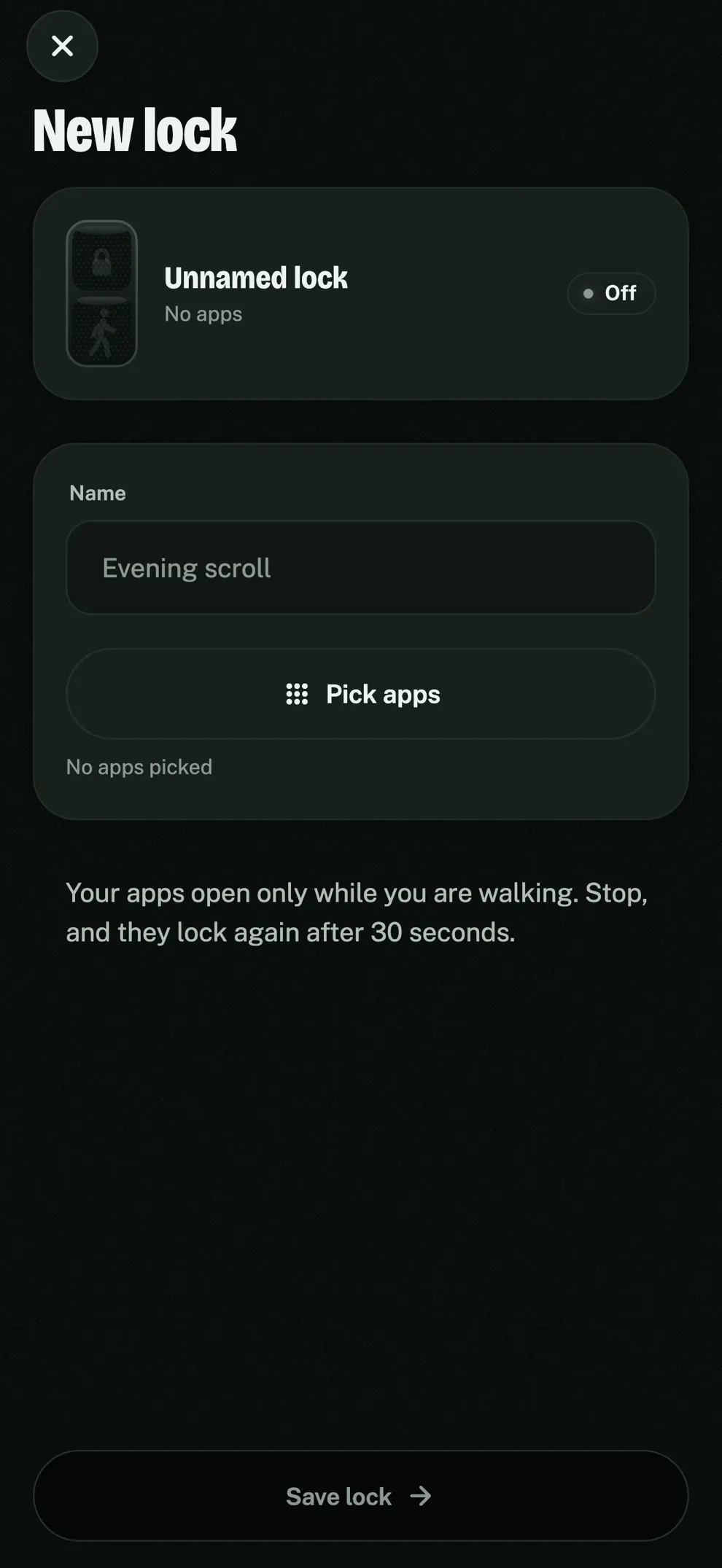
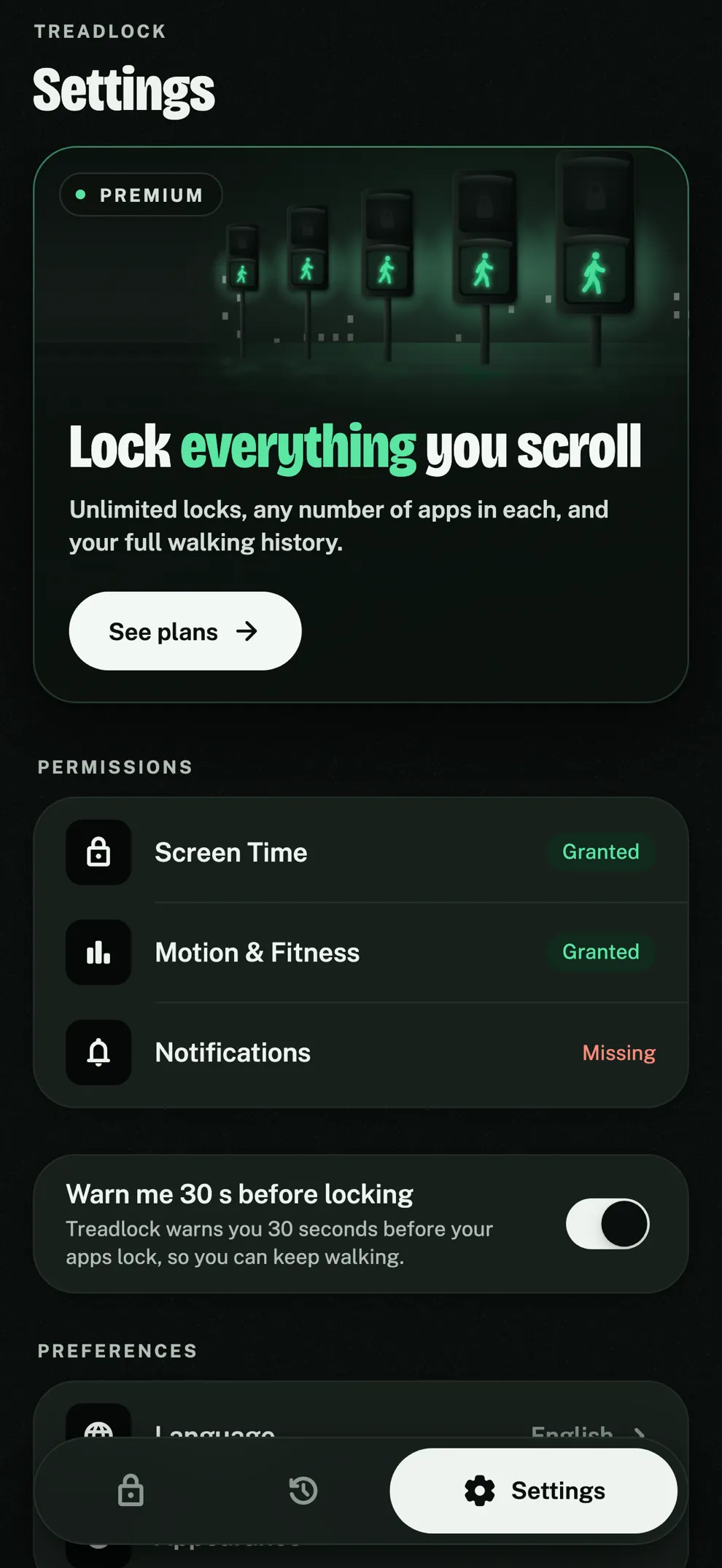
About the app
Treadlock puts one rule on the apps that eat your evenings: they open while you walk, and lock again soon after you stop.
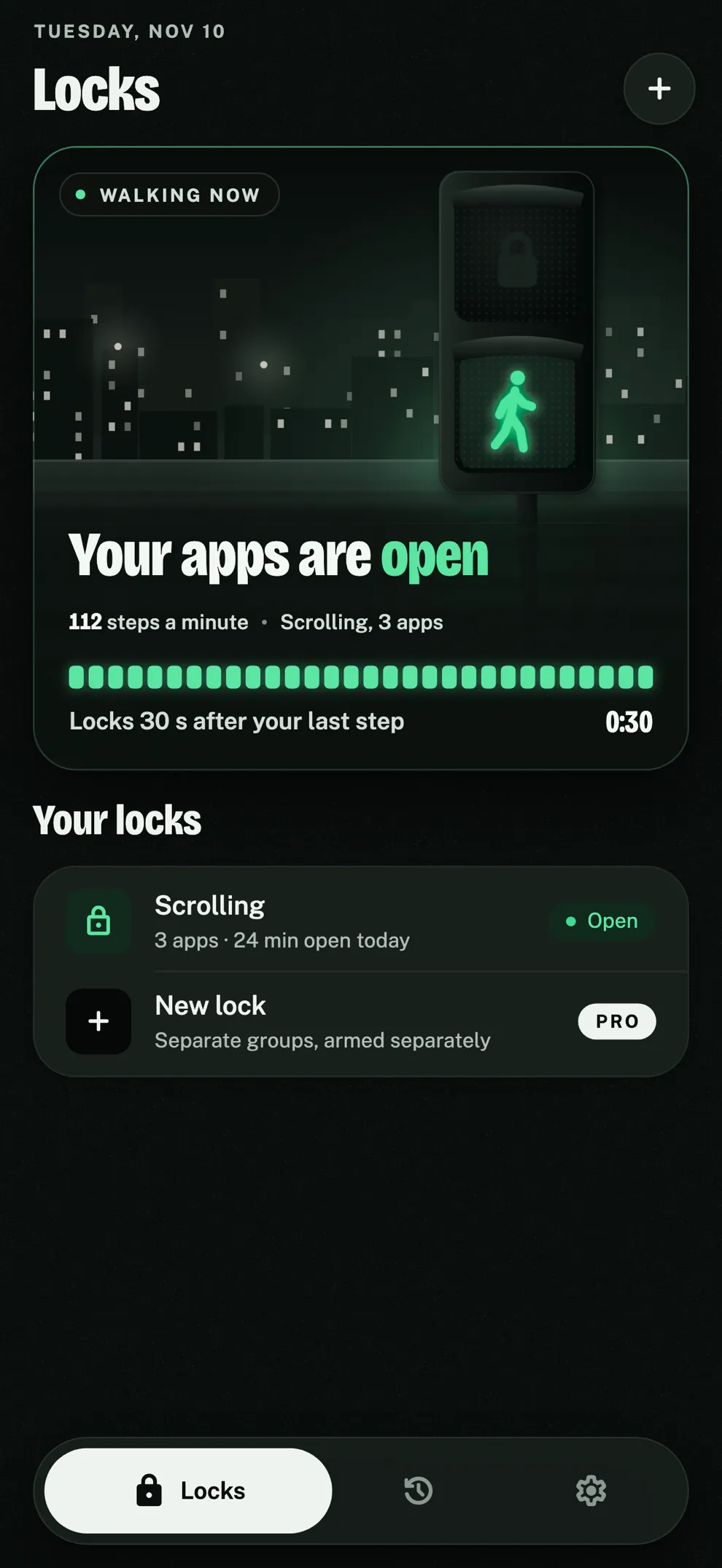
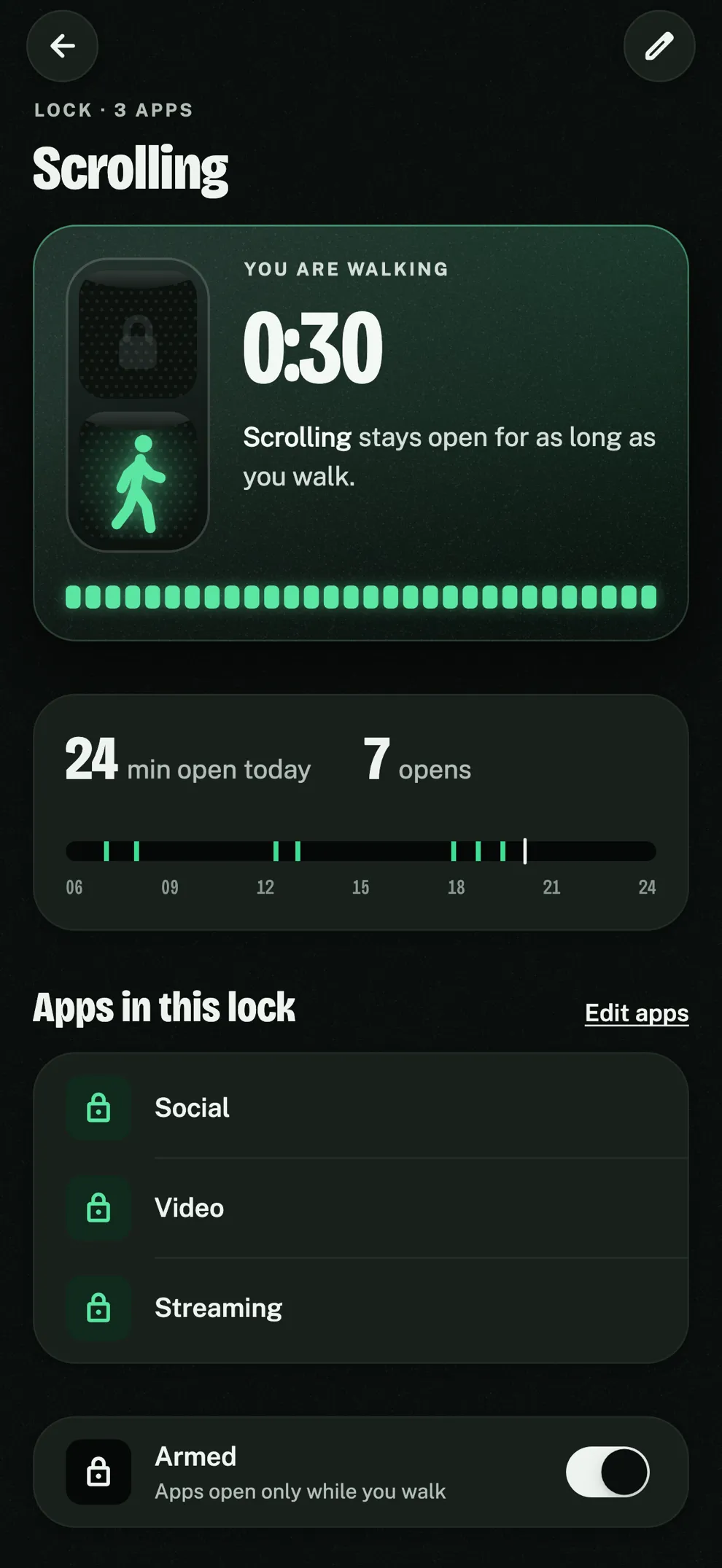
You own a walking pad or a treadmill. Pick TikTok, Instagram, YouTube, Netflix or any other app, group them into a lock, and Treadlock shields them with Screen Time. Start walking, tap Open on the shield, and the apps are yours. Step off, and 30 seconds later they begin to lock again.
There are no banked minutes, no earned time to spend later, no override button and no schedule to edit. Access depends on walking right now, so the only way to keep the feed open is to keep moving.
No account and no server. Your locks and your walks stay on your iPhone.
- Price
- Free for one lock; Pro is a subscription
- Device
- iPhone
- Languages
- English, Turkish
What it does
One rule
Your chosen apps open while you walk and lock again after you stop. Nothing to negotiate with.
Nothing banked
No earned minutes, no points, no daily allowance. The day's errands never pay for the night's scrolling.
Built on Screen Time
Pick apps or whole categories in Apple's own picker. Treadlock shields them until you walk.
Open from the shield
Walking? Tap Open on the shield and the app opens right there.
A warning before it locks
An optional notification 30 seconds before your apps lock, so you can keep walking.
Your walks
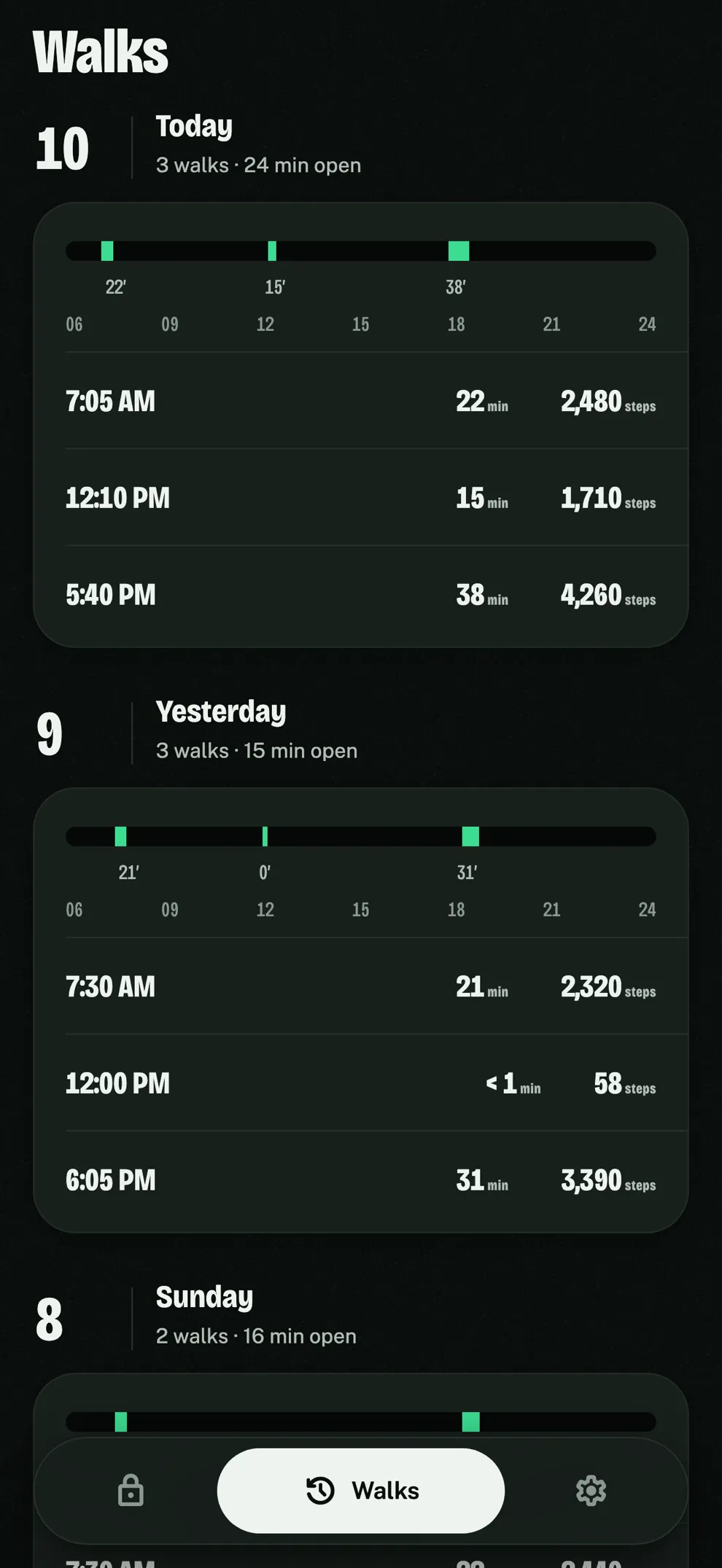
Every walk with its time, duration and steps, and how long your apps were open each day.
Stays on your phone
No account, no server. Locks and walks never leave your iPhone.
Privacy at a glance
- No account and no sign-in.
- Screen Time gives Treadlock opaque tokens, never the names of the apps you pick.
- Steps come from your iPhone's step counter and never leave it; Apple Health is not used.
- Your locks and walks are stored only on your iPhone.
- Subscriptions are handled by Apple and verified through RevenueCat with an anonymous ID.
Third parties that process data for the app: Apple App Store (payments), RevenueCat (subscription status).